JD TITAN Deposit Options: GCash, Maya, InstaPay and PESONet Walkthrough
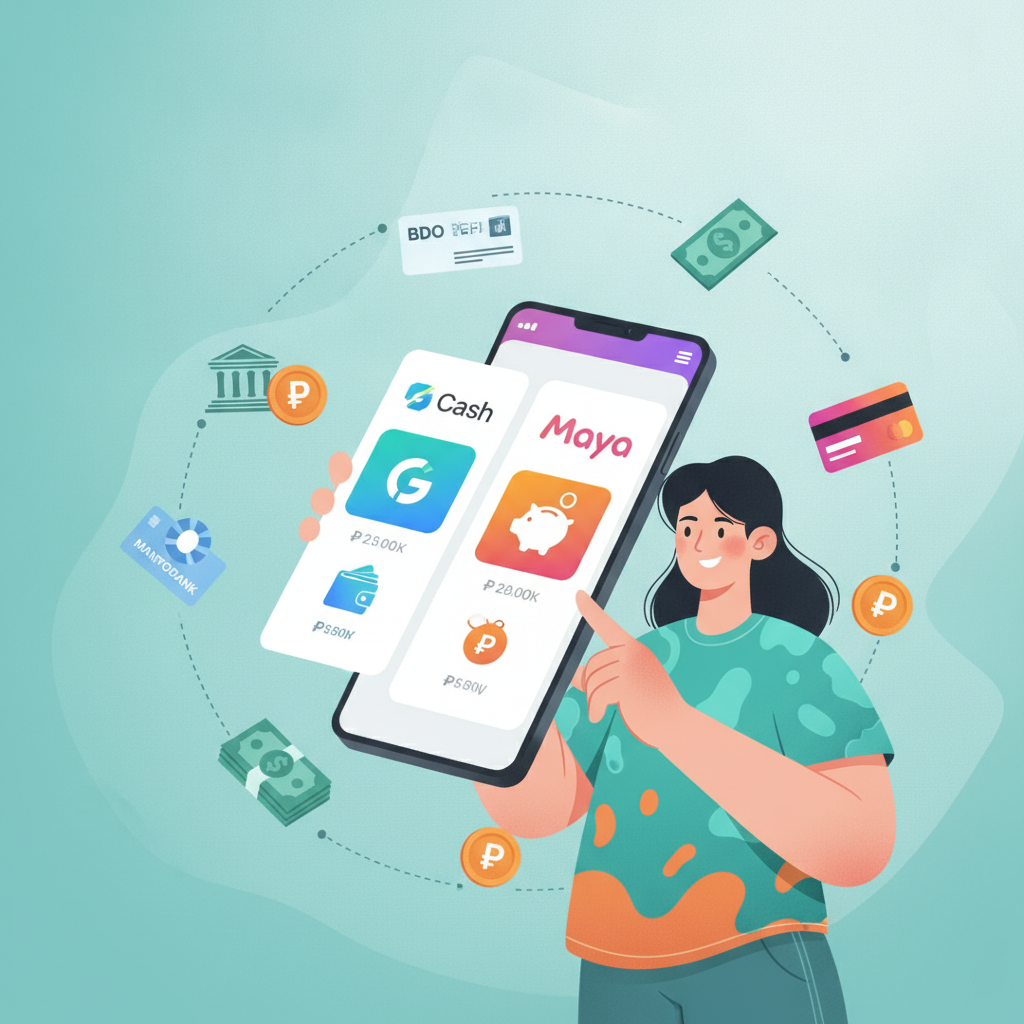
Overview of Payment Methods Available to Filipino Players
JD TITAN accepts deposits through the most popular payment channels in the Philippines. Players can fund their accounts using GCash, Maya (formerly PayMaya), and bank transfers via InstaPay and PESONet. All four methods work in Philippine pesos, so you don't need to worry about currency conversion or foreign-exchange fees.
Most Filipino players prefer GCash or Maya because the deposit shows up almost instantly and both apps are already installed on their phones. Bank transfers through InstaPay and PESONet take a bit longer but are useful if you prefer to send funds directly from your savings or checking account.
JD TITAN typically sets a minimum deposit of PHP 100, making it accessible for casual players who want to try slots, live dealer games, or sports betting on the PBA and NBA without committing a large amount up front. Maximum deposit limits vary by payment method and may change based on your account status or verification level, so check the cashier page after you JD TITAN login for the most current figures.
All deposits on JD TITAN are processed in a secure cashier interface. You'll need to complete account registration and, in some cases, basic ID verification before your first deposit goes through. This is standard practice for online casinos operating in the Philippines and helps protect both you and the platform.
GCash Deposit: Limits and Processing Time
GCash is the most widely used e-wallet in the Philippines, and JD TITAN supports it as a primary deposit method. Here's what you need to know before you load your account.
How to Deposit with GCash
- Log in to your JD TITAN account on your phone or desktop.
- Tap or click the Deposit button, usually found in the top menu or account dashboard.
- Select GCash from the list of payment methods.
- Enter the amount you want to deposit—minimum PHP 100.
- You'll be redirected to the GCash app or a payment gateway page.
- Confirm the transaction using your GCash MPIN or biometric login.
- Once approved, you'll return to JD TITAN and see the funds in your account balance.
Processing Time
GCash deposits are typically instant. In most cases, your balance updates within seconds of confirming the transaction in the GCash app. During rare technical delays or high-traffic periods (like major PBA playoff games or weekend slots sessions), processing may take up to five minutes. If your deposit doesn't appear after ten minutes, take a screenshot of your GCash transaction receipt and contact JD TITAN customer support.
Limits
- Minimum: PHP 100
- Maximum: Varies by account verification level; unverified accounts often have lower caps. Fully verified accounts may deposit several thousand pesos per transaction.
GCash itself imposes monthly transaction limits based on your KYC (Know Your Customer) status in the GCash app. Make sure your GCash account is fully verified if you plan to make larger or more frequent deposits.
Maya Deposit: Step-by-Step for Beginners
Maya (formerly PayMaya) is another popular e-wallet in the Philippines. It works almost identically to GCash on the JD TITAN platform, but here's a detailed walkthrough if this is your first time using Maya to fund an online casino account.
Step-by-Step Maya Deposit
Step 1: Open the JD TITAN website or mobile site. (JD TITAN does not require a separate app download for most players; the mobile browser version works smoothly on Android.)
Step 2: Tap the Deposit or Cashier button after you JD TITAN login.
Step 3: Choose Maya from the payment-method menu.
Step 4: Enter your desired deposit amount. Remember the PHP 100 minimum.
Step 5: You'll either be redirected to the Maya app (if installed) or to a Maya web-payment page.
Step 6: Log in to Maya using your six-digit PIN, password, or biometrics.
Step 7: Review the transaction details—merchant name, amount, and your Maya wallet balance.
Step 8: Confirm the payment. Maya will send a transaction receipt to your registered mobile number and email.
Step 9: You'll automatically return to the JD TITAN cashier page. Your new balance should reflect the deposit immediately.
Processing Time and Limits
- Processing: Usually instant. Expect your funds within seconds to two minutes.
- Minimum deposit: PHP 100
- Maximum deposit: Depends on your JD TITAN account tier and your Maya wallet limits. Unverified Maya accounts have strict caps; upgrade to Maya PRO or Maya Business for higher limits.
Maya is particularly convenient if you already use it for online shopping, bills payment, or remittances. You can reload your Maya wallet at any 7-Eleven, through online banking, or via remittance centers, then transfer funds to JD TITAN in seconds.
Bank Transfer via InstaPay and PESONet: What You Need to Know
If you prefer to deposit directly from your bank account rather than using an e-wallet, JD TITAN accepts InstaPay and PESONet transfers. Both are managed by the Philippine Payments Management, Inc. (PPMI) under the Bangko Sentral ng Pilipinas, so they're secure and widely supported by local banks.
InstaPay
InstaPay is the fast option. Transfers are processed in real time, so your deposit should reach JD TITAN within minutes—sometimes even seconds.
- Best for: Players who want a quick deposit without using GCash or Maya.
- Minimum deposit: PHP 100 (subject to JD TITAN's cashier settings).
- Maximum per transaction: PHP 50,000 under InstaPay rules, though JD TITAN may impose a lower cap for new accounts.
How to deposit via InstaPay:
- Log in to your online or mobile banking app (BDO, BPI, Metrobank, UnionBank, etc.).
- Select Send Money or Transfer Funds.
- Choose InstaPay as the transfer type.
- Enter the JD TITAN bank-account details displayed in the cashier page. (These details are unique per transaction or per user; double-check before sending.)
- Input the deposit amount and a reference number if required.
- Confirm and authorize the transfer with your bank's OTP or security token.
- Return to the JD TITAN cashier and wait for your balance to update.
Because InstaPay is real-time, most players see their funds within five minutes. Always save your bank's transaction confirmation for your records.
PESONet
PESONet is the batch-processing option. It's cheaper for some banks but slower than InstaPay.
- Processing time: PESONet runs on a schedule—transfers submitted before the cut-off (usually around 9 a.m. or 3 p.m.) are processed in the next batch. Expect funds to arrive in one to three hours during banking days, or the next business day if you deposit after hours or on a weekend.
- Minimum: PHP 100
- Maximum: PHP 1 million under PESONet rules, though casino operators set their own limits.
Best for: Players who don't need instant deposits and want to move larger amounts with potentially lower bank fees.
How to deposit via PESONet:
- Log in to your bank's app or online portal.
- Go to Transfer or Send Money.
- Select PESONet.
- Fill in the JD TITAN account details from the cashier page.
- Enter the amount and submit.
- Wait for the next PESONet batch cycle. Check your JD TITAN balance after the cycle completes.
Both InstaPay and PESONet require that your bank account is enrolled in online or mobile banking and that you have sufficient funds plus any transfer fees your bank charges. Always double-check the recipient account number and amount before you authorize the transfer; reversing a bank transfer can take days.
Responsible Gambling and Deposit Limits (21+ Only)
JD TITAN is available only to players aged 21 and above. You must be of legal age to register, deposit, and play.
Online gambling should be entertainment, not a way to make money or solve financial problems. Before you make your first deposit—or your next one—consider these responsible-gambling practices:
- Set a budget: Decide how much you can afford to lose before you JD TITAN login. Treat that amount as the cost of entertainment, like a movie ticket or a night out.
- Use deposit limits: Many online casinos, including JD TITAN, let you set daily, weekly, or monthly deposit caps. Enable these limits in your account settings to stay in control.
- Avoid chasing losses: If you lose your budgeted amount on slots, live dealer games, or sports betting, stop for the day. Depositing more in the hope of winning it back usually leads to bigger losses.
- Take breaks: Set a timer or use screen-time reminders on your phone. Step away from your device between gaming sessions.
- Ask for help: If you feel gambling is affecting your finances, relationships, or mental health, reach out to a support organization. The National Center for Mental Health and other Filipino counseling services offer confidential help.
JD TITAN's cashier also displays your deposit history, so you can track how much you've loaded over time. Review this regularly to make sure you're staying within your budget.
Remember: no deposit method—GCash, Maya, InstaPay, or PESONet—guarantees winnings. Online casino games and sports betting involve risk, and the house always has an edge over the long run. Play responsibly, play within your means, and never deposit money you can't afford to lose.
Ready to fund your account? Visit the JD TITAN cashier after you complete JD TITAN register and choose the payment method that fits your needs. Whether you prefer the instant convenience of GCash and Maya or the bank-account control of InstaPay and PESONet, JD TITAN offers flexible deposit options for Filipino players. Keep your transactions secure, set sensible limits, and enjoy slots, live dealer tables, and sports betting responsibly. 21+ only.